
Fields of Mistria crops
This crop lookup is the fast route from a seed question to a captured growth, regrowth, season, value, or museum field. It supports a quick seed decision while leaving weather, costs, and schedules to sources that actually capture them. Farming remains bound to the v1.0.2 capture.
Steam 1.0 release ·Farming data boundary
Start this farming check with the displayed count, then keep the chosen field and internal record provenance together when the answer affects a longer route.
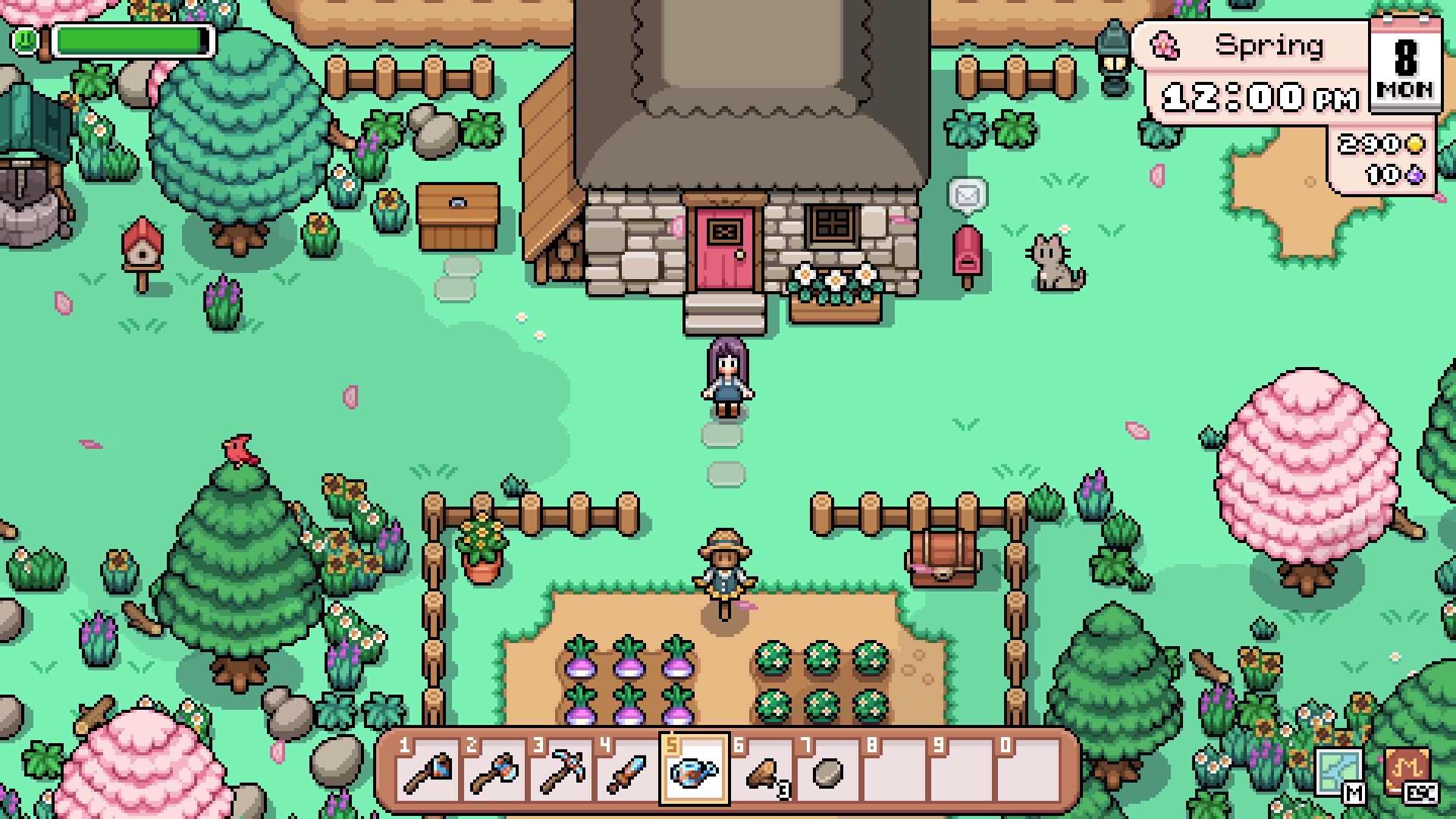
Farming lookup
58 records shown · v1.0.2
Community reference images · not an official source
58 records shown · Name A–Z


No records match this lookup.
Use the farming lookup as a sequence rather than as a single ranking. Start with the season when the planting window matters, then search a crop name or sort the remaining records by growth time, regrowth time, or captured sell value. The page contains 58 crop rows, and the visible result count updates after the search and field filters are combined. A short list therefore describes the current selection, not the total number of crops in the data boundary. Growth and regrowth are kept as independent fields because a crop that matures quickly does not automatically repeat, and a repeating crop does not automatically produce the highest return. Museum status is another separate reason to keep a harvest. The lookup deliberately avoids a universal profit score: seed price, watering effort, remaining days, yield, processing options, and the player’s available plot are not all present in the sealed records. Read the shown values as ingredients for a planting decision, then confirm any missing cost or schedule detail in the captured record before committing a season’s space.
What this lookup covers
Each crop row combines the real name, location or source text, stamina and health when present, sell value, season, growth time, regrowth time, museum flag, museum set, tags, and revision id. Numeric sorting uses the captured value rather than a derived profit formula. The filter values are populated from the active record set, so a season or museum selection changes the visible crop count and never becomes a decorative menu. stable record ids lead to the source record for the exact version boundary. Read an absent field literally: the capture does not establish a hidden season, vendor price, or guaranteed regrowth cycle. The route is intentionally a row-based crop reference, not a financial model. Growth and value can be compared as independent captured fields, but their presence does not establish a daily profit calculation, watering rule, or guaranteed harvest outcome. This section keeps the 58 farming records inside the v1.0.2 capture separate from later research.
Each crop row preserves the captured name, season, growth time, regrowth time, sell value, stamina or health fields when present, museum relationship, source text, tags, page identity, and revision marker. The controls are built from those exact values, which means an empty option is not invented merely to make every crop look complete. A not-captured cell marks a real boundary in the public data. It should not be filled with a value borrowed from a different crop, an Early Access table, or a remembered farming formula. Numeric sorting compares only values that can be parsed from the chosen field, while name sorting provides a stable route back to a known crop. The farming page connects to animals and cooking because crops can participate in a larger daily loop, but those links do not create recipe ingredients, feed rules, or product schedules that were absent from the crop capture. Treat each route as a separate evidence surface and use the shared navigation to move between them without collapsing their different field contracts.
Version boundary
Search by crop name or source phrase first. For a planting plan, filter by season and sort by growth time; for a museum hand-in, select the museum field and inspect the set column. The page does not estimate seed cost, weather, or a harvest schedule because those fields are outside the sealed capture. Current records are versioned v1.0.2 and can be compared with the official release timeline. If two rows look similar, compare their source text and revision marker before choosing; the lookup is meant to prevent a confident guess from replacing a captured value. A useful order of work is season, then growth time, then the internal record provenance. This keeps a convenient sort from becoming a promise that the highest displayed value is always the best crop for a particular day, farm layout, or resource budget. Use the farming result as a documented next step, then revisit the linked source if a later version changes the field.
The current farming boundary is labeled v1.0.2 so a crop row can be evaluated against the same release context as the rest of the almanac. Community revisions and official patches are related but not interchangeable. An official announcement can describe a broad balance or quality-of-life change, while the structured crop row records the fields exposed by its captured community page. If a later patch changes a price, season, or timing rule, the correct update is a new source-bound record rather than a silent edit to the old value. For day-to-day use, choose the crop and field combination, record what is missing, and recheck the displayed fields and version boundary when a seed purchase or late-season planting depends on precision. The page does not read a save file, track watered tiles, or calculate remaining harvests. Its purpose is to make the current evidence inspectable and sortable. Keeping the version marker beside the row makes it possible to compare a future revision without losing the history of what the player saw when the earlier plan was made. Recheck the season boundary before using an older row near the end of a planting window. A small timing difference can matter to the player even when the structured fields themselves remain unchanged.